

Professional hardware diagnostics under Windows
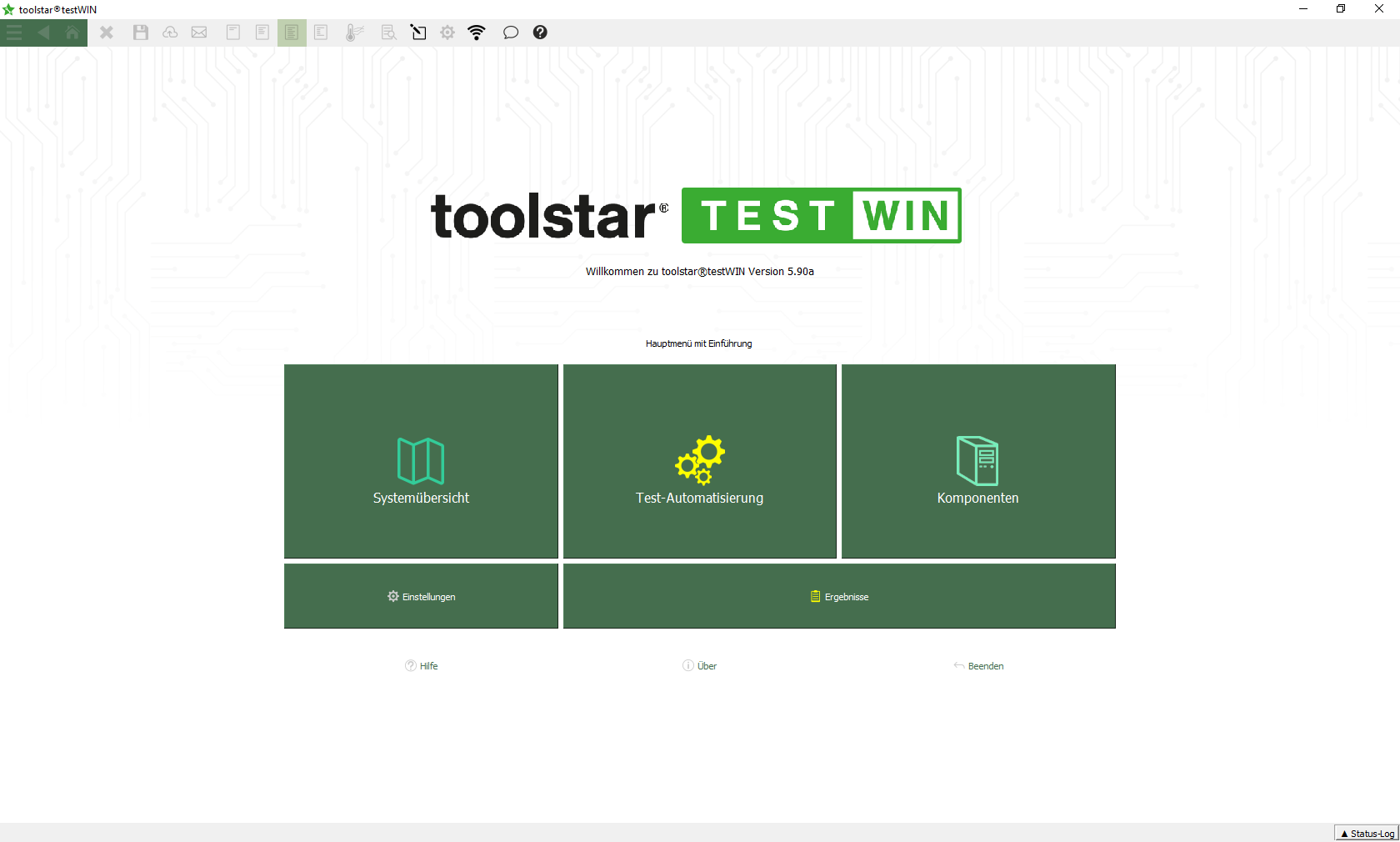
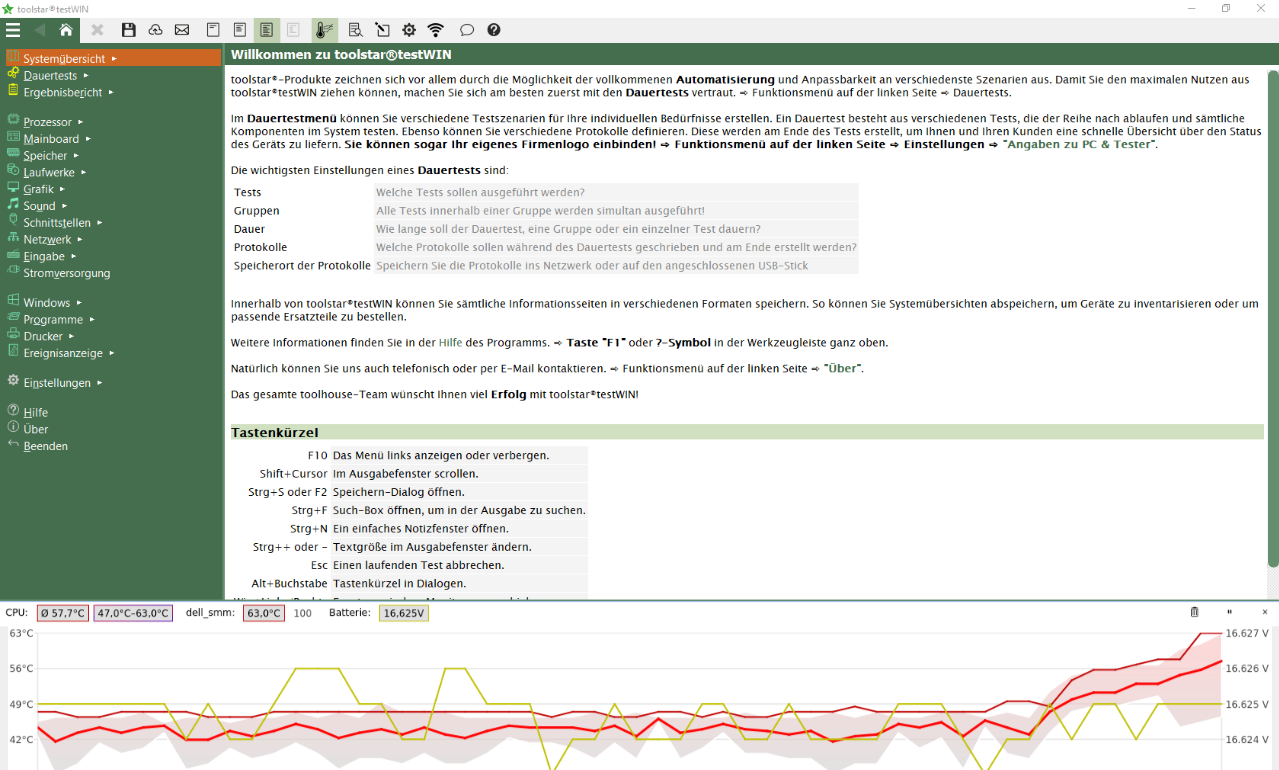
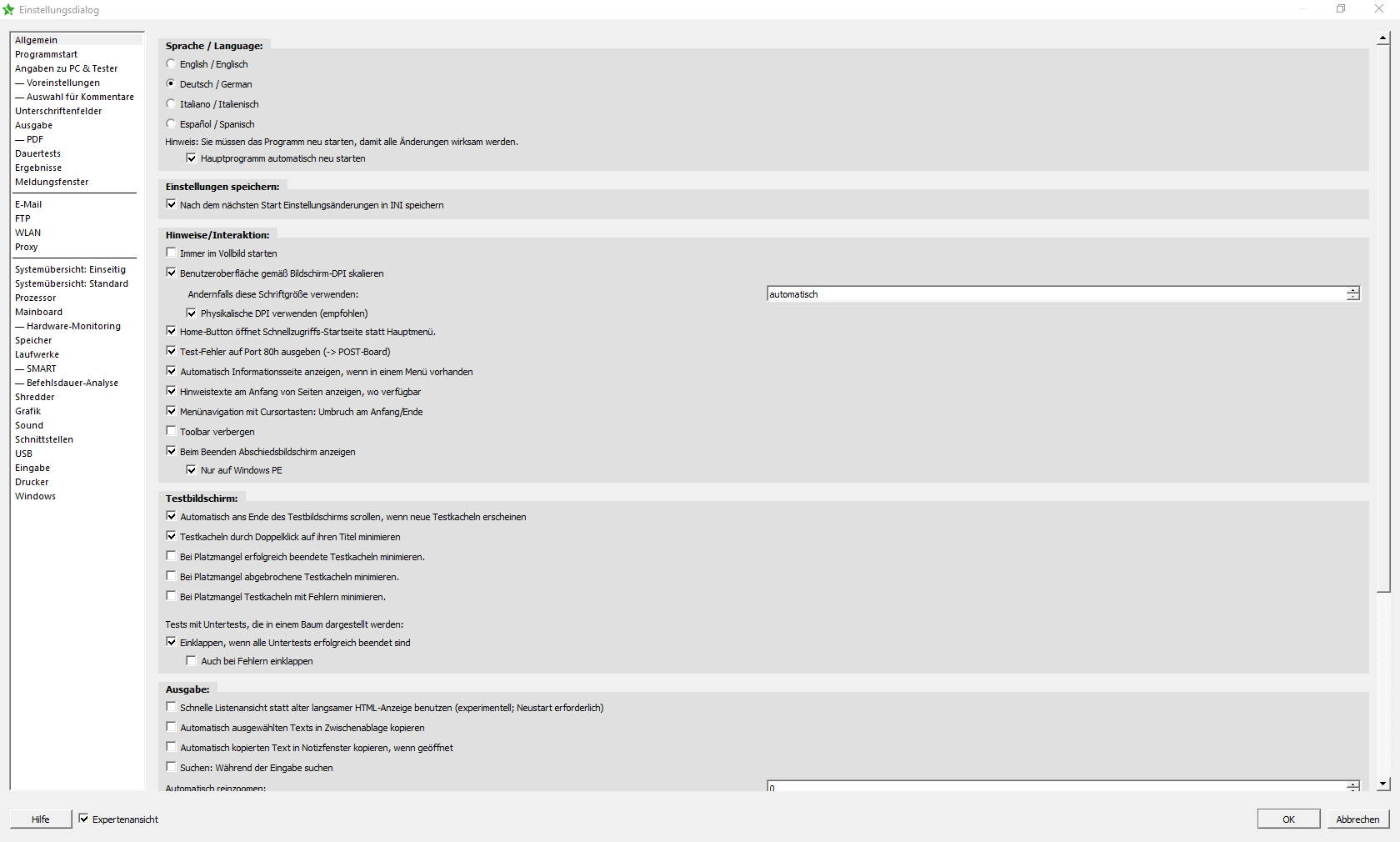
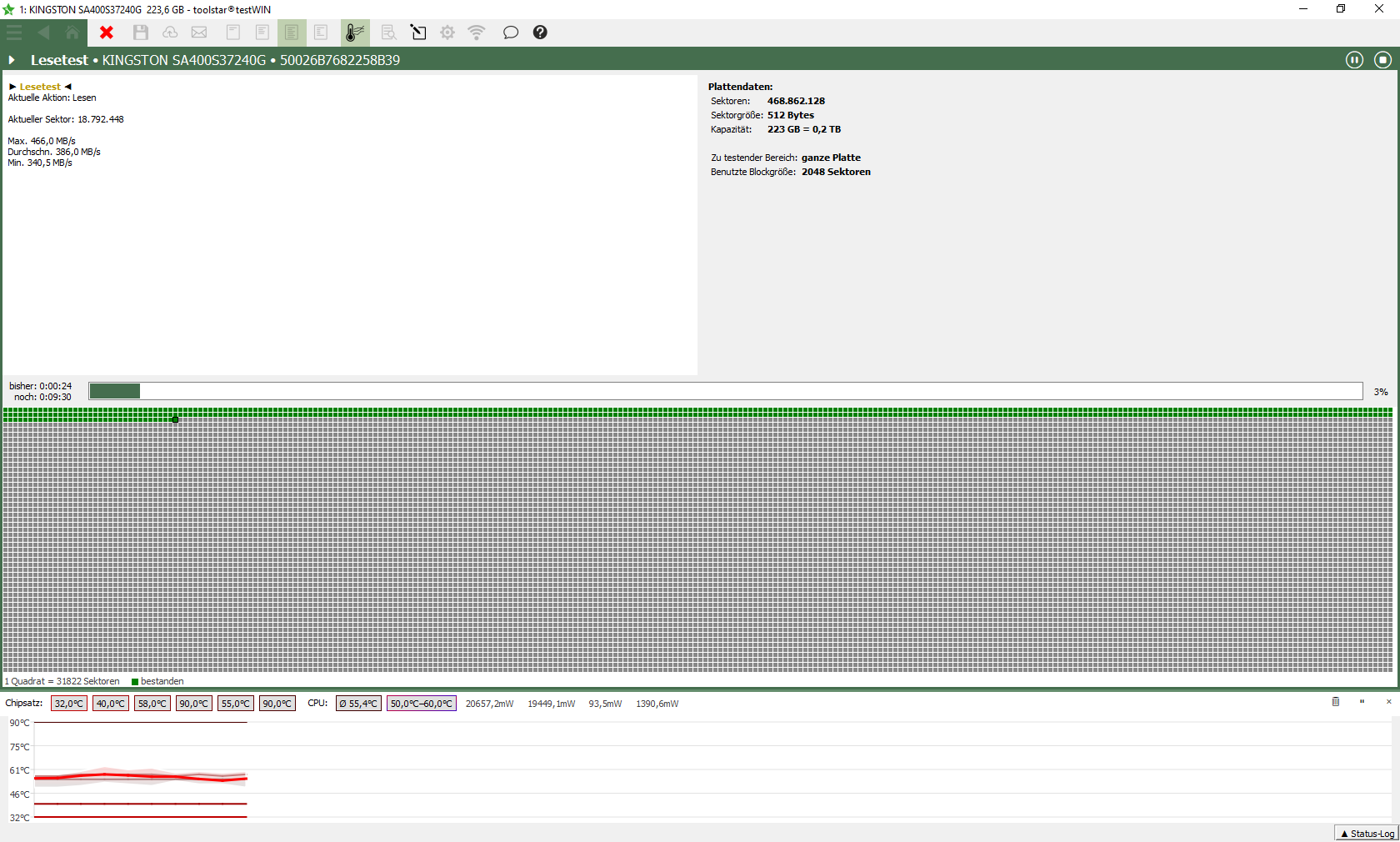
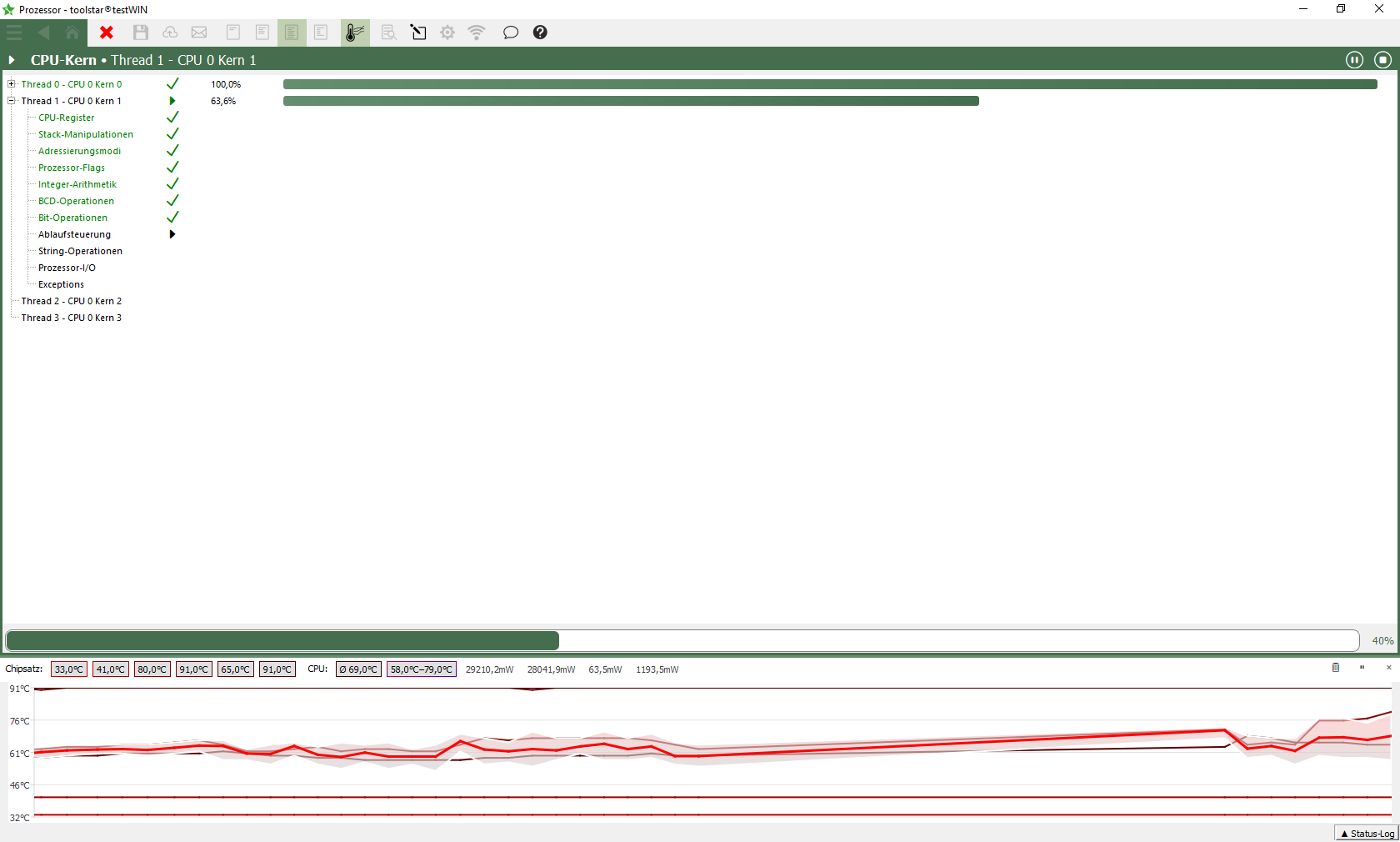
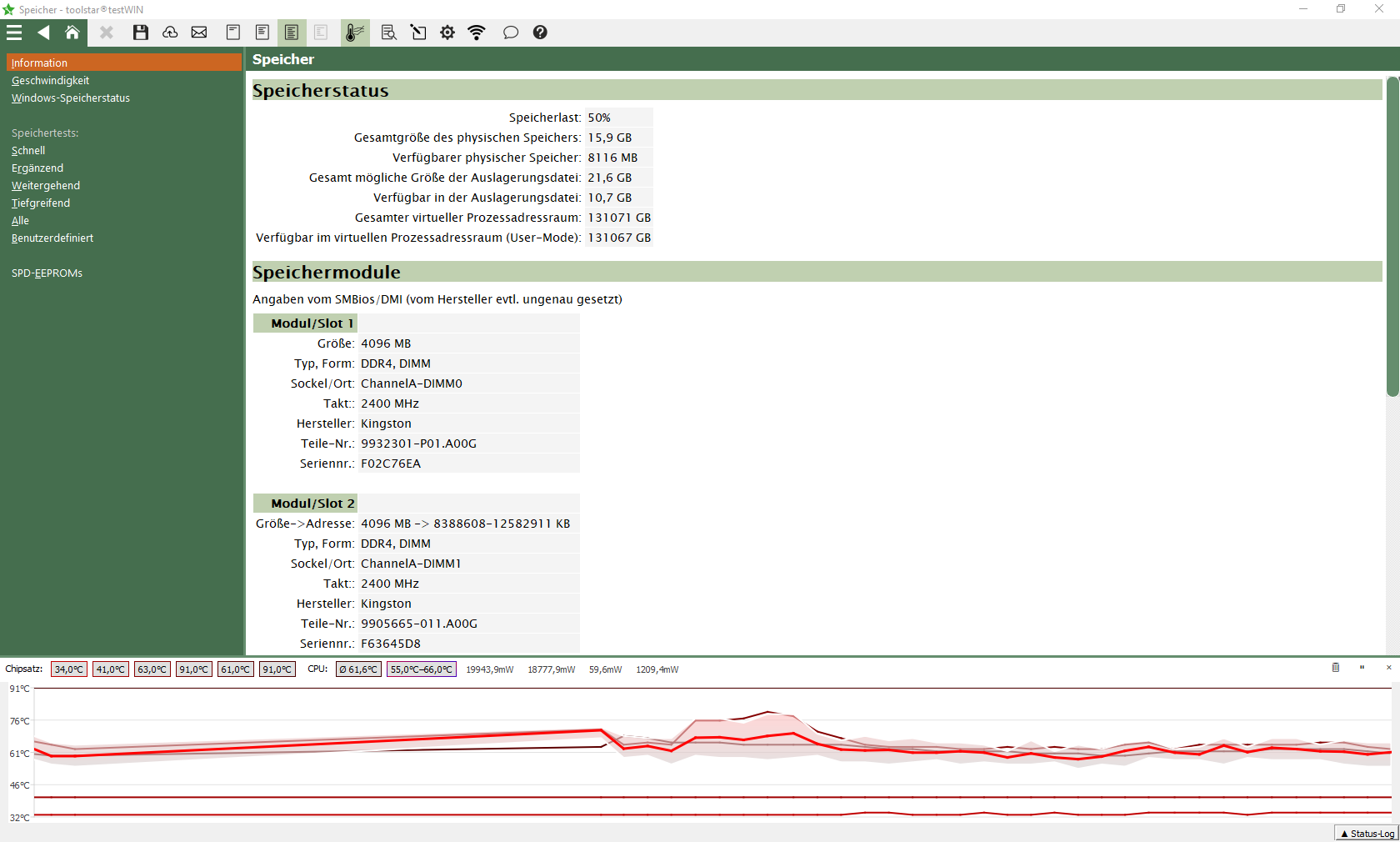


- Diagnostic options for all major hardware components directly executable in Windows
- Burn-In-Tests / Automatisierungsskripte finden auch sporadisch Fehler. Egal ob zufällig auftretend oder thermisch bedingt.
- Meaningful protocols/reports with serial numbers prove their work;
available in text, PDF, HTML, XML and JSON; individually with your company logo - Server diagnostic without reboot, no installation - just launch and go!
- All tests also run in the background through individual performance settings
- Detailed system information of hardware and software
- All test procedures are simultaneously possible (at the same time) for maximum load
- Freely configurable and automatable for your individual use
- Easily save test reports locally and on the network, send them directly via email, upload them to your FTP server or send them via email
- Complete analysis and documentation of all important hardware components and system information.
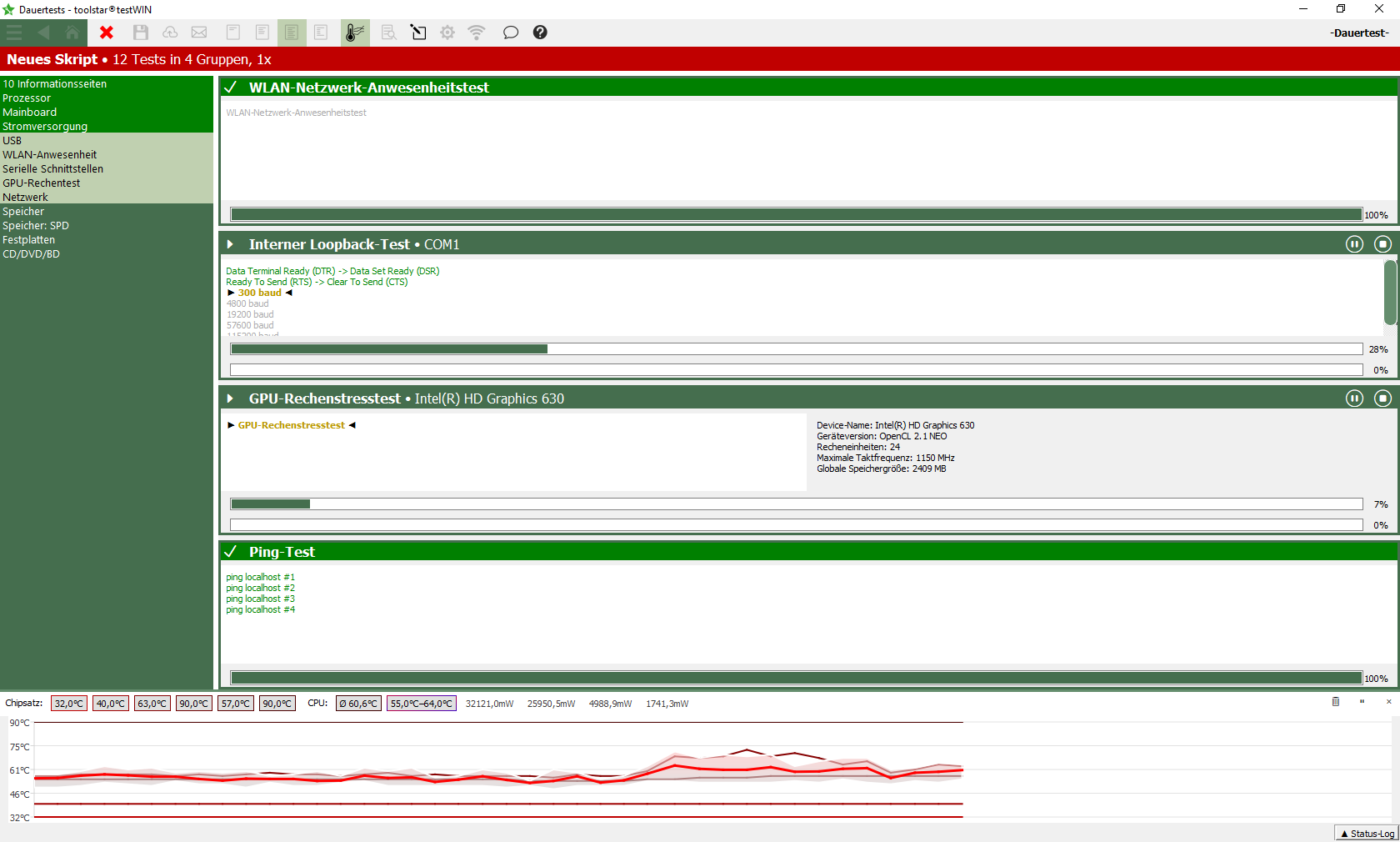
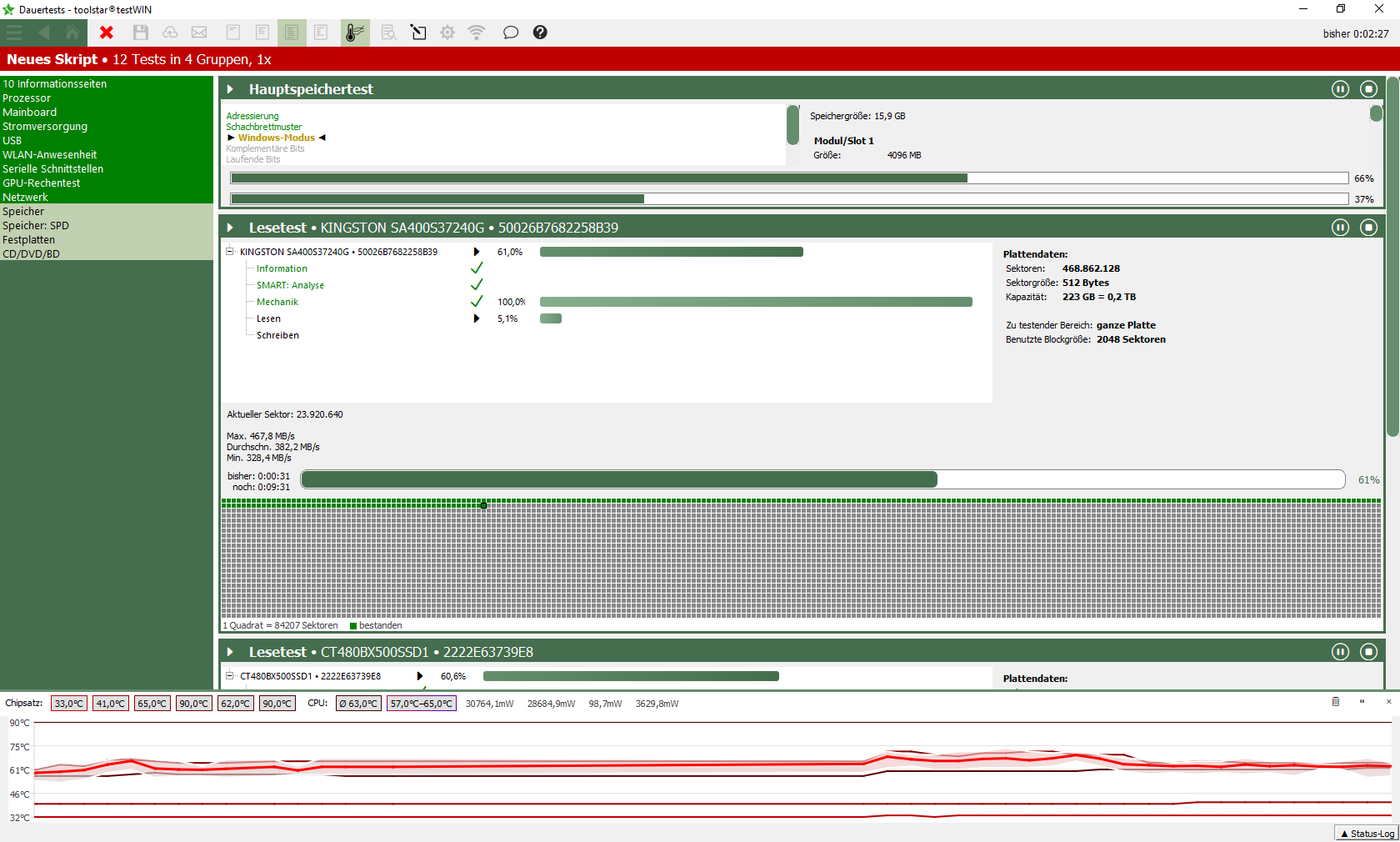
- Hardware monitoring: All sensor data is always up to date on the screen including historic values.
- Easily save test reports locally and on the network, send them directly via email or upload them to your FTP server.
- SMART values of all connected hard drives via ATA and USB
Current version:
Your benefit
No matter whether you use toolstar®testWIN in production, in service or in customer support. With toolstar®testWIN and the configurable test routines, you can test all components of a device in less than 3 minutes. This increases efficiency and sales! For just €190 per year.
toolstar®testWIN tests all components reliably and also looks professional during this.
Include your own logo in the freely configurable protocols and adapt them to the wishes of your customers. Hand over the finished device with the invoice and protocol. This allows the customer to understand what was tested and which component was defective. This transparency creates trust and satisfied customers!
When faced with a problem, it is often not 100% clear which part of the system is defective. The hardware or the software? No matter how good and reliable the installed software is, it will not work at all or only function poorly without properly functioning hardware. It can also happen that incorrectly saved data is not caused by the software, but by a defective hard drive or RAM. To solve software problems, you need to make sure the hardware is running properly. With toolstar®testWIN and the endurance tests you can carry out these quickly and efficiently and, if necessary, find nor components that could cause problems in the future.
Your advantages
toolstar®testWIN ist eine Diagnosesoftware, die von toolhouse für Techniker, Supporter, Netzwerkadministratoren – einfach für jeden, der für das einwandfreie Funktionieren von PCs verantwortlich ist – gemacht wurde. Ziel von uns war es, ein Produkt zu entwickeln, mit dem es ermöglicht wird, alle Komponenten eines PCs genauestens auf Fehler zu durchsuchen, unter der Vorgabe, möglichst wenig Zeit dafür aufbringen zu müssen. Das Ergebnis: toolstar®testWIN, die erste Eigenentwicklung von toolhouse. In toolstar®testWIN wurde die Erfahrung, welche wir in jahrelanger Zusammenarbeit mit PC-Herstellern, Systemhäusern und Servicebetrieben erlangt haben, optimal in die Realität umgesetzt. Sie erhalten eine Diagnosesoftware der Spitzenklasse, die kontinuierlich weiterentwickelt und den Kundenwünschen angepasst wird. Das Programm wie auch das Handbuch sind auf deutsch, englisch, italienisch und spanisch erhältlich.
toolstar®testWIN can be used either in the installed Windows (desktop, server, tablet, iPC and much more) or via a WindowsPE/RE be operated self-booting. This means you can decide at any time how you want to test the target device. In a new, fresh WindowsPE environment, or so the customer uses the device every day - i.e. in the installed Windows.
Many errors only occur sporadically, PCs crash at irregular intervals - the result: hours of searching and replacing components. With toolstar®testWIN you can test the individual components using specially programmed stress tests. You determine which components should be tested, for how long or how often. Up to 999 times or up to 999 hours. Various test patterns are preset, and all tests can also be freely selected.
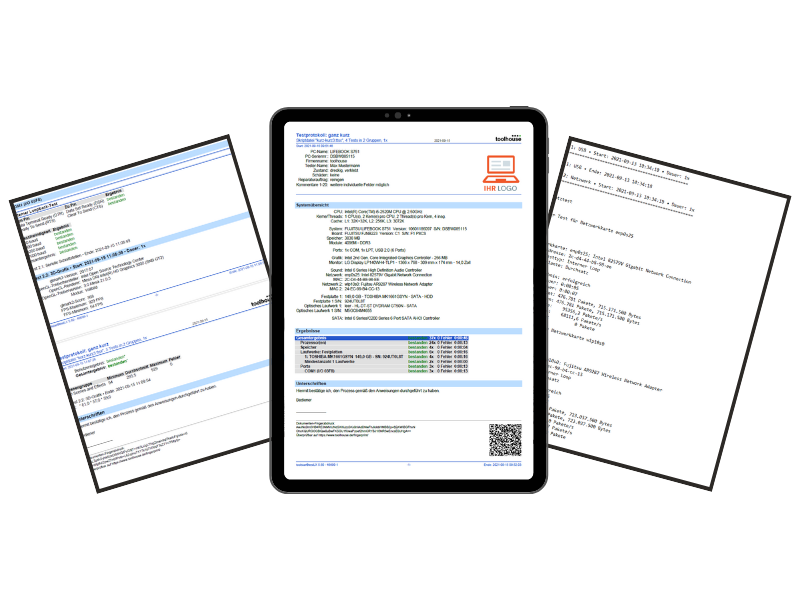
After the tests have been carried out, save a protocol on a USB stick, on the network or via email if you wish. Or save information in a file. Test reports create trust with customers and help you save time. Demonstrably fewer returns and complaints. toolstar®testWIN offers three predefined patterns, and you can also freely configure them with your logo. In addition to the PDF, HTML and text protocols, you will also find JSON and XML as formats for automated further processing in your ticket systems.
Select and save tests. This means you have the right test sample at hand for every case. This allows processes in the workshop, production or refurbishment to be standardized and better organized.
In addition to information and tests for the hardware, toolstar®testWIN also offers detailed information about the installed software and the Windows system properties such as services and event logs. The event log test can be individually configured so that you automatically receive a notification if too many errors or warnings appear in certain areas.
Detailed recording of all system information and diagnostic processes
Document system information and test procedures
All system information such as CPU, mainboard, GPU, memory and much more can either be saved manually or documented automatically in conjunction with an automation script. In addition, the individual test results can also be saved or summarized in the automation.
Define different formats and output targets
All documents can be saved in various formats such as PDF, TXT, HTML, XML or JSON. The last two are specifically intended for automatic processing in other IT systems. All documents can be saved locally in your selected form, sent via e-mail, uploaded to a (S)FTP server, in a Insert the MongoDB database or simply save it to the network.
Areas of application
Every device that leaves your factory should be completely tested and audited and, if possible, completely automated. With toolstar®testWIN you can fully test a PC immediately after installing the operating system, including an automated restart. You receive detailed reports for yourself and attractive test or handover protocols for your customers.
The incoming PC is first tested extensively under load with tests that start automatically and all results are saved and displayed directly. Only then will the qualified technician be deployed for assessment and repair.
The process: Boot the PC with its own operating system or start with WindowsPE - toolstar®testWIN - WALK AWAY - and the Don't touch your PC again until all test results are available!
By using toolstar®testWIN on site at the customer's site with predefined automatic test groups.
Use toolstar®testWIN as an online license conveniently via remote maintenance and test as if you were on site.
Through fully automated processes, you can audit, test and delete all devices in one operation (with the optional toolstar®shredderWIN module) and log the results.
Do you have any questions?
call us directly at +49 8441 5044 0.
Extract from the available tests and information
Processor/CPU
CPU core (registers, stack manipulation, addressing modes, flags, integer arithmetic, BCD operations, bit operations, flow control, string operations, processor I/O, exceptions) FPU (load and store, instruction set, rounds and Truncation, Exceptions), MMX Unit, 3DNow! and SSE unit (Data Transfers, Packed Arithmetic, Packed Comparisons, Data Conversion, Logical Operations, Shift Operations), Stress Test and High Load Test
Hardware monitoring / sensors
System temperature, fan speed, voltages, performance indicators
(if supported by the mainboard and the necessary sensors are installed and connected)
Interfaces/Connections
USB host controller, specifications, manufacturer, name and status. USB device overview and details, controller test. Serial and parallel ports, suitable test plugs are optional. (Internal loop back test, handshake test, send/receive test, controller test, status port test)
Drives (HDD, SSD, NVMe, USB, etc.)
Read test, write test (non-destructive), mechanical test, show sectors, controller test, CD-ROM, DVD, BlueRayZIP, LS120, USB drive
Windows
Version and configuration, installed updates, environment variables, swap files, installation and registration, system names and much more.
Printer
Audit all physical and virtual printers installed locally and on the network.
Mainboard
Board and BIOS information (manufacturer, UEFI Windows license key, BIOS date, chipset, socket and much more) PCI device list, details and tests (direct bus scan, BIOS: device search, 16-bit functions, 32 bit functions, 64 bit functions), plug and play, hardware interrupts, DMA and CMOS RAM/real time clock tests (read, write, battery status, checksum, diagnostic status, clock ticking, alarm)
Random Access Memory / RAM
CPU cache test, display of possible memory areas, SPD-EEPROM information, tests: random pattern, checkerboard pattern, Windows mode, complementary bits, left and right bits, large complements, distributed accesses
GPU / 3D
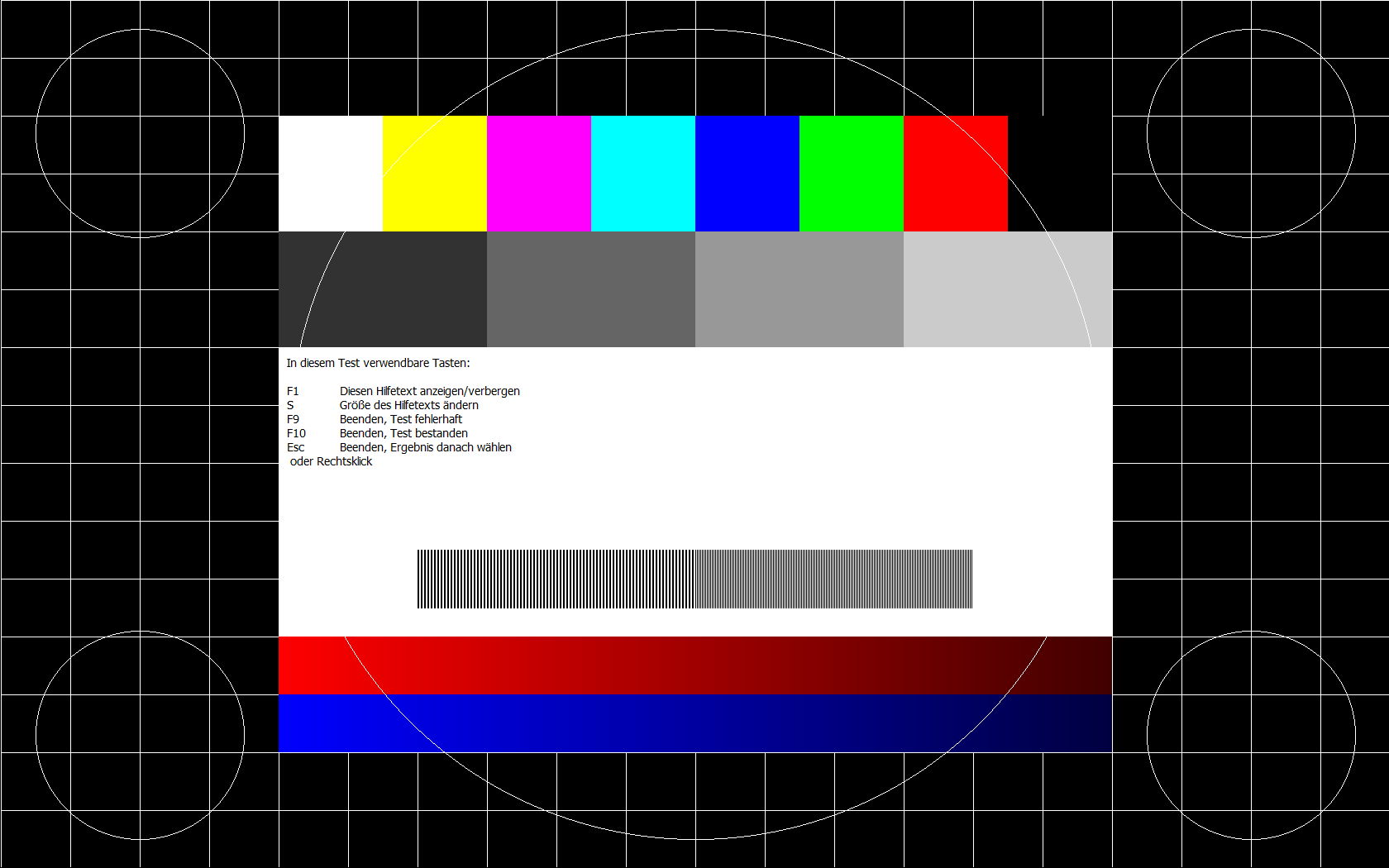
Test image, grid image, primary colors, grayscale, color levels, video memory test, VGA split screen, visible memory test, 3D rendering, GPU memory test, OpenCL computing stress test, OpenCL benchmark test. All graphic images can be used as interactive tests in endurance tests. Ideal for monitor testing.
Input devices / HID
Tests for keyboard and mouse, touchscreens, pens, and other input options supported on Windows
Apps
Active processes and services, detailed information per service, installed software - all in one point, can be stored centrally
Windows Event-Log
Listing of all log files including automatic evaluation in the long-term test
Complete automation of all processes through automation scripts
Create automation scripts
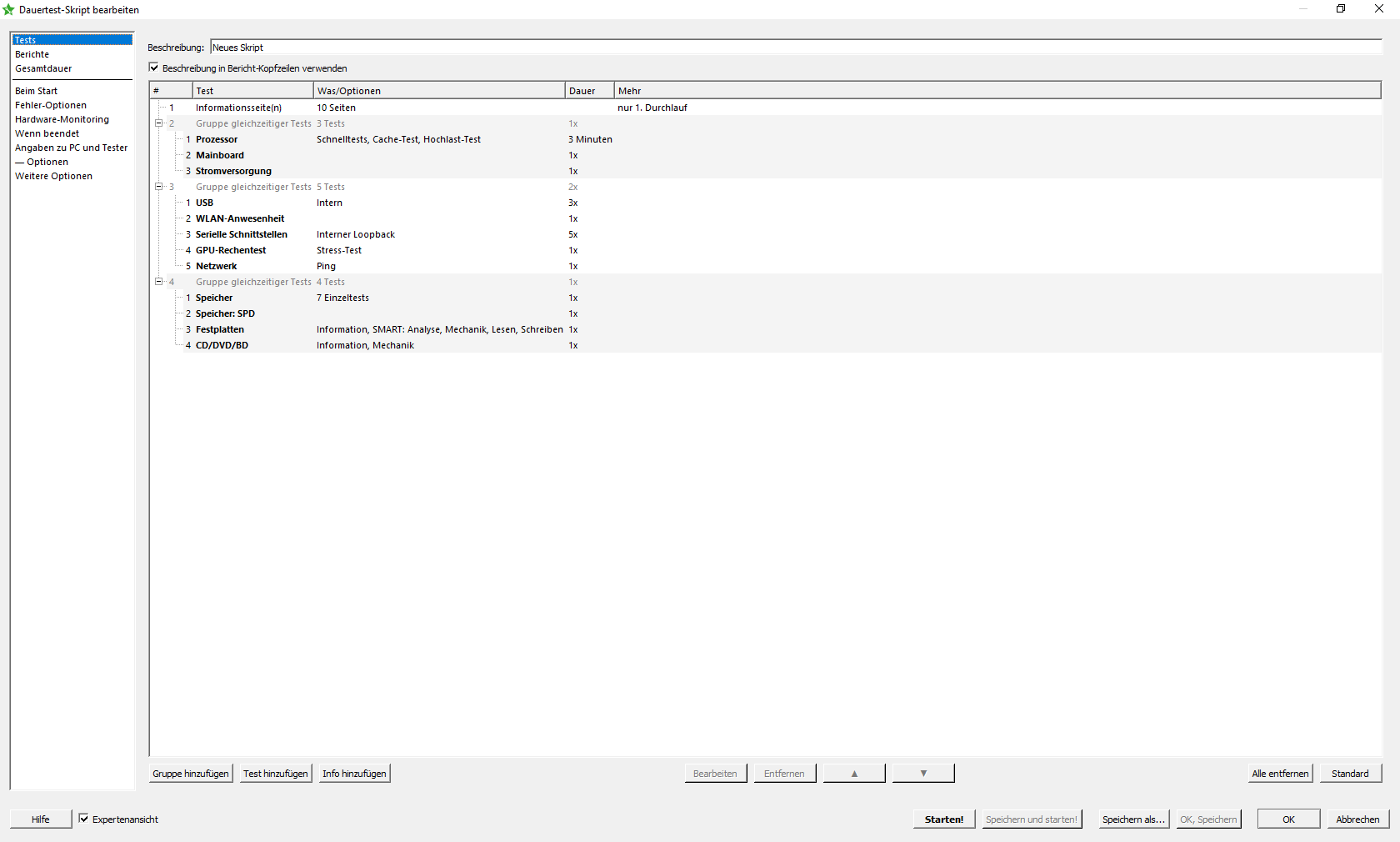
In the program itself you will find an easy-to-use automation script builder with which you can easily create and modify scripts. Determine which hardware tests should run, how long and at what intensity. Create your own protocols in different formats and with different content. Create custom fields for customer number or ticket number and much more.
. . . and execute
After you have created the automation scripts you can easily start them in the program. Afterwards all the options and tests you have set run automaticallyand at the end they give you the logs you created on the stick or the other available destinations (FTP, network, email or database). You can also easily use one of our pre-built scripts and get started right away.
toolstar®testWIN
Investment calculator
With the investment calculator you can easily find out when your investment in toolstar®test has been worthwhile by entering a few numbers. Simply enter how many PCs you test per week (regardless of whether hardware or software), how long you currently need to find an error, how much a technician hour costs you and how high you expect the license costs for toolstar to be ®test will be.
Please fill out all fields
Results
This is how the results were calculated:
With our software you only need **3 minutes** of working time per device to clearly find a hardware error or distinguish it from a software error. This saves you time per diagnosis.
The time saved per week multiplied by your technician hourly rate equals the weekly savings.
The license cost is divided by the weekly savings to calculate the weeks until refinancing.
Your advantages:
- Every step is logged for complete transparency
- Documentation with your company logo for a professional external presentation
- Less discussion when invoicing thanks to verifiable results
- Advice and additional sales are made possible during on-site testing
- Increased professionalism towards your customers
- Software for the extension is quickly refinanced
- Improved reversal of the burden of proof and traceability for your customers
The difference to toolstar®testLX
The program toolstar®testWIN is started by default in an installed Windows, but can also be self-booted via WindowsPE. toolstar®testLX is self-booting by default but can also be started within an installed Linux. Self-booting execution has the advantage of a clear view of the hardware without any user programs that use resources and thus distort the results. However, running it under Windows has the advantage that you may also find errors that only occur in connection with Windows and the user programs. You can also test under Windows with the manufacturer's drivers and can fully test the entire GPU memory and carry out a meaningful GPU computing stress test to put the individual GPU chips under strain.
toolstar®testLX works completely independently of the installed operating system and can be started self-booting on PCs, tablets, servers, IPCs and much more. You don't even need to have a hard drive installed to start the program. This differentiation means that test results can be clearly assigned to the hardware and errors can be identified quickly. If you get a CPU or memory error with toolstar®testLX, then you can be sure that the hardware components or the path to the components (bus, controller, mainboard) are defective. An error in the operating system or the installed software can therefore be ruled out.
Intact hardware is the foundation of properly functioning software.
With toolstar®testWIN you get a test program that can include not only the hardware but also the software in the tests and evaluations. This includes the automated evaluation of the Windows event log for warnings and errors, the reading of license keys and software serial numbers, and the quick and clear display of all services, updates and processes under Windows. In the area of GPU testing, you have the advantage within the installed Windows that the manufacturer's special drivers for the graphics card are already installed and so all functions can be addressed and maximum utilization can be achieved.
Versionshistory:
Only the last 40 entries in the version history are displayed. You can read the extended history in the customer portal under “Product History”.
| Version | Category | Changelog |
|---|---|---|
| 6.40 | FIX | FastView: Fix for table fields with line breaks. |
| 6.40 | FIX | Shredder: Errors in Smart analysis as part of the certificate affected the shredder result in the protocol for SCSI/SAS drives. |
| 6.40 | ADD | Automation: Added possible execution of two external programs at script end. |
| 6.40 | FIX | Mouse test: Fix for coordinate output. |
| 6.40 | MOD | VNC remote: Removed default password. |
| 6.40 | USE | Menu text size scales more with screen resolution, should improve things especially for very low and high res displays. |
| 6.40 | USE | Interactive graphics tests: Help text now scales with resolution like almost everything else. |
| 6.40 | ADD | Dedicated touchscreen test now also available in the burn-in section |
| 6.40 | MOD | Label printing (in scripts) can now be activated via dialog. |
| 6.40 | ADD | Special function for label printing and CSV log: added graphics.igpucount, dgpucount, igpu.#, dgpu.#; added on Linux battery.capfullrem = remaining capacity if fully charged (0-100), negative values if not available. |
| 6.40 | ADD | HTTP upload now also in automation. |
| 6.40 | FIX | When using the dark theme, the beginning of a saved PDF may have had the wrong text color. |
| 6.40 | ADD | PC&Tester Info: Added 2 fields: Title/position and contact. [+X] |
| 6.40 | ADD | Signature fields amended with name, title/position, company, contact, image. [+X ] |
| 6.40 | FIX | Shredder, user-defined: In case of simultaneously different performed erasures, the actual method in the output could list both methods. |
| 6.40 | USE | Drive overview as table: Added "HDD" or "SSD" for hard disks in first column (can be disabled). |
| 6.31a | ADD | Keyboard test: On fail result, optionally list keys with warning/error in report. |
| 6.31a | USE | Several minor improvements to FastView. |
| 6.31a | ADD | Network Performance Test: Optionally minimum speed in percent, optionally test all interfaces sequentially, optional error if specific interface not usable. |
| 6.31a | FIX | Automation: Fixed crash after optional drive selection at script start. |
| 6.31 | ADD | HTTP connections: Added option to follow HTTP redirects (default=yes). |
| 6.31 | MOD | Drives, pattern verification: Method to be checked now shown to result text; fix for subsequent automatic checks on the same drive. |
| 6.31 | UPD | Graphics: Addition for bus 14 for iGPU/dGPU decision for AMD. |
| 6.31 | ADD | Drives, SCSI/SAS: Added SMART status (ok/error) and background scan info; fix for non-medium error count. |
| 6.31 | USE | UI and output language, as well as keyboard layout, can now each be set separately via a dialog. For example, you can choose a German UI and keyboard with English output/protocols. |
| 6.31 | ADD | Drives, SCSI/SAS: Hardware errors reported during initialization are treated as errors (this can be disabled). The same applies to remapped NVMe messages. These can optionally be displayed in the status log or a message box at startup. This helps you identify errors that prevent drives from being displayed during initialization, e.g., those with a size of 0 KB. |
| 6.31 | ADD | Drives in automation: Displays the number of detected hard drives during hard drive tests, along with deletions (active, successful, errors), if any. This ensures you always see the most important data immediately, even with many drives connected. |
| 6.31 | ADD | Keyboard test: Added options for warning when multiple keys are pressed simultaneously, error when a key is stuck, and pass-button dependencies. |
| 6.30 | USE | Keyboard test: 3rd/4th character now displayed a little paler. |
| 6.30 | ADD | Graphics info: Added monitor serial no. |
| 6.30 | FIX | Fix for event handling in multithreading that would cause exceptions at thread end which are harmless in installed Windows, but not in PE. |
| 6.30 | FIX | Serial port test with loopback plug: Fixed initialization problems for transmission test. |
| 6.30 | FIX | For Autostart and Autoquit without delay in text mode, the main menu was displayed after all in the end. |
| 6.30 | FIX | Fixed exception at program end due to mismatching e-mail DLL. Sending emails directly in case of errors is also possible again. |
| 6.30 | FIX | XML output: entry subsections for webcam info, webcam tests and USB device list. Correct ID numbering for webcam formats and framesizes as well as webcams on one-page overview. Important when the documents should be parsed. |
| 6.30 | ADD | Search function for multi-page dialogs (button in bottom left corner). Especially fast for searching in the settings. |
| 6.30 | UPD | SMART Attributes: Update for attributes 202 and 245 for Crucial/Micron SSDs for improved evaluability. |
| 6.30 | FIX | Erasure certificate with complete SMART analysis: SMART errors could lead to an error rating of the deletion process. |
| 6.30 | MOD | PCI details: Error notes for PCIe attributes had empty titles, now -E0 to -E3 (mostly for XML/JSON parsing). |
| 6.30 | MOD | Copy program log at program exit: Previous ini option now in dialog; % functions available. Default=don't copy. This makes it easier to save the program log in case of a support request. |
System requirements
- Processor: at least 1 GHz, 32 or 64 bit
- Main memory: at least 50 MB of free memory
- Internet access: Only necessary for the use of PLUS licenses.
- operating system: Windows from Vista / Server 2003 and current Windows PE/RE environment
NOTE:
These system requirements provide a rough guideline on which systems the program can run smoothly. However, toolstar®testWIN is also capable of operating on small embedded systems or mini PCs. The basic requirement is always an installed and running 32- or 64-bit Windows operating system or a specially created bootable version of Windows. PE or Windows RE.